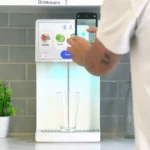
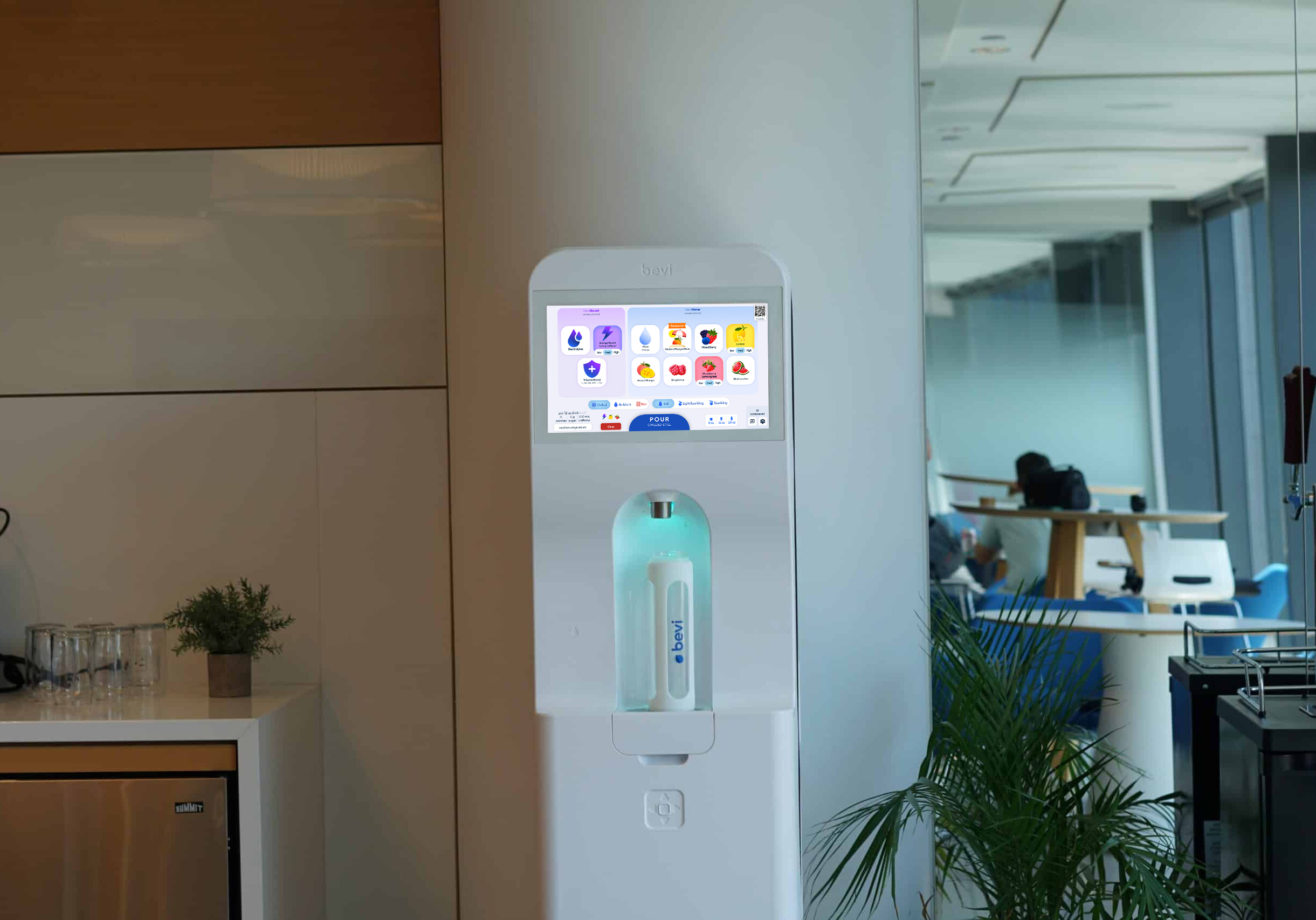
Touchless dispensing

Description goes here.

1. Scan

Scan QR code on the Bevi touchscreen with your phone’s camera or QR reader app
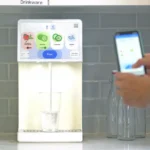
2. Dispense

Dispense your drink as you would using the Bevi touchscreen
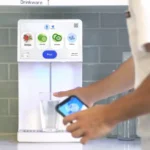
 

3. Enjoy

Grab your beverage and Hydrate Happy™


Setting up a Bevi Countertop Smart Water Dispenser*

*Bevi released the Countertop 1.5 in 2025, which has updated features and different installation requirements. Be sure to verify if you are installing a Countertop 1.0 or Countertop 1.5.

All Bevi dispensers are installed by the pros on our Bevi service team or our qualified partners.
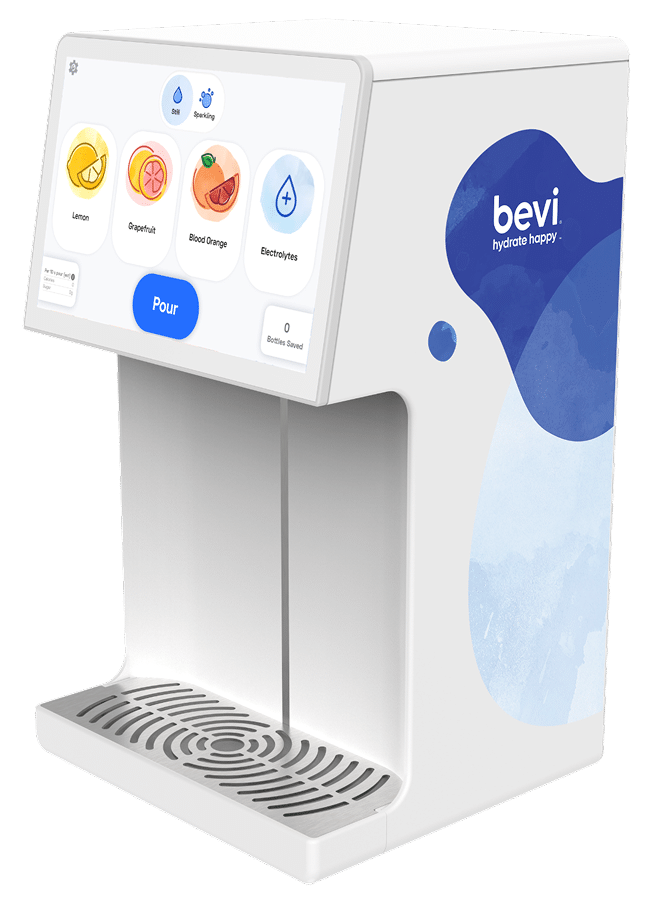
Plumbing:
  • Water line (3/8" outer diameter)
  • Minimum supply pressure of 40 psi and 4.0 liters per minute flow rate
Electrical:
  • Standard GFCI protected 110-120V, 3 prong outlet
Counter Space:
  • Countertop Unit Dimensions: 18.5” H x 10” W x 11” D
  • Drill Hole:
    Countertop 1.5: 1-1/4” Diameter cutout in counter, directly over the placement of chiller/carbonator Countertop 1.0: 4” Diameter cutout in counter, directly over the placement of chiller/carbonator
  • Center of the cutout must be more than 7” away from the wall to allow heat to vent
Cabinet Space:
  • Fits a standard single cabinet 21” W × 24” D × 36” H and requires a minimum 2” toe kick overhang. Interior clearance must be at least 18” W × 22” D × 22” H.
  • Floorless cabinets require a chiller ventilation stand (sold separately).
  • All dimensions are based on accommodating CO2 tanks up to 10lbs. For alternate layout configurations, please refer to the full installation guide.
Internet Connection:
  • Internet Connection:
    Wireless, Ethernet, Cellular*, or Bevi-approved Mobile Hotspot is required to enable the smart functions of the Bevi dispenser
    *(Cellular connection only available for the Countertop 1.5)
Dimensions:
  • 11” W × 10” D × 18” H

Ready to go touchless?

You’ll need to make sure your Bevi office water cooler is connected to the internet. If it’s not, no problem. Let us know at support@bevi.co and we’ll get you hooked up.


Then, follow these simple steps:


Go to the Ingredients page using the Bevi Touchscreen
Slide the Touchless toggle switch to the right to turn Touchless ON
And if you ever want to turn Touchless OFF, slide toggle switch to the left

Get In Touch Get In Touch

Join over 6,000 companies and get your Bevi.